
Solo Check to AME
Native After Effects Tool for Catching Soloed Layers
I often work on many videos at once and render them all together. While working, I solo layers to see or hear them on their own and sometimes forget to turn them off, which means a render can come out as a video of just that one layer. Checking every comp by hand would take too long, so I built an After Effects panel that does it for me.
I select the comps and click one button. If nothing is soloed, the comps go straight to AME’s queue. If a layer is soloed, the tool stops and lists exactly which comps to fix. This gives me full confidence in every render and replaces a manual QA check and combines it with a mass queuing step.
Features
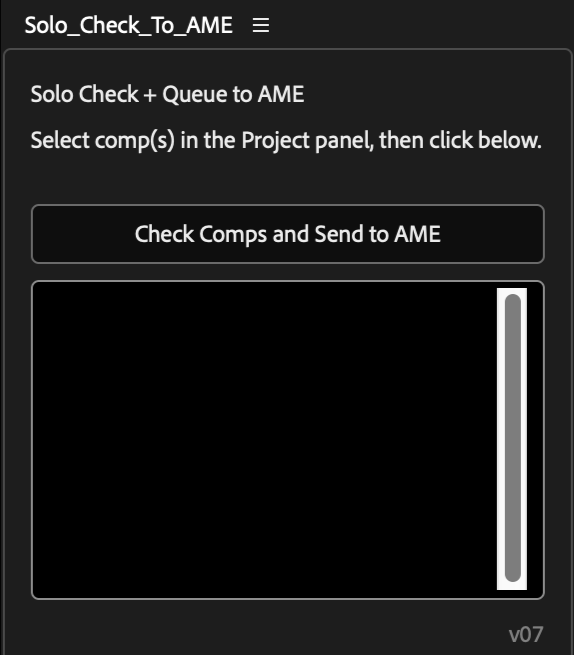
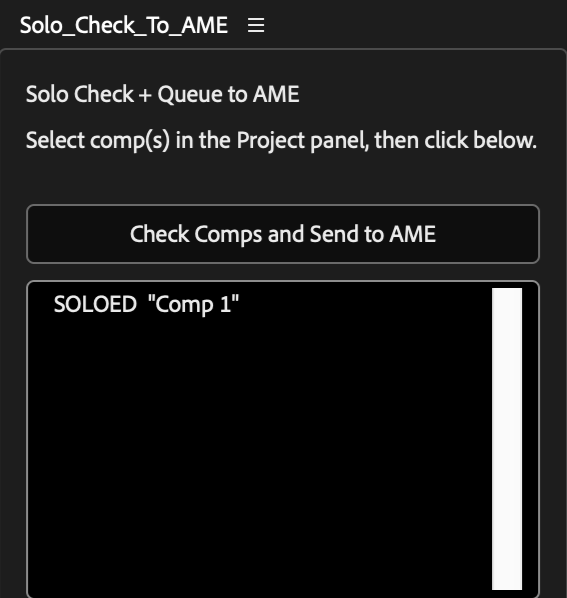
Users select one or more comps in the Project panel, and click the “Check Comps and Send to AME” button.
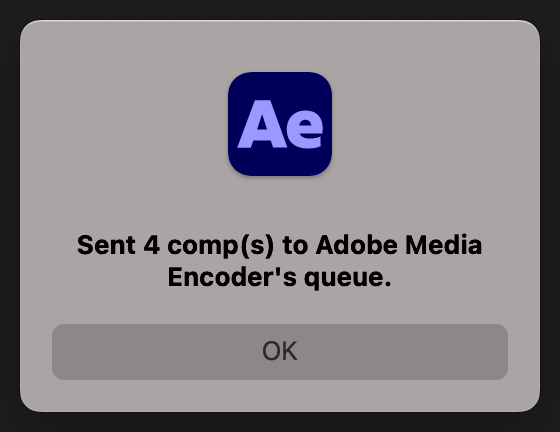
If nothing is soloed: the comps go directly to AME’s queue
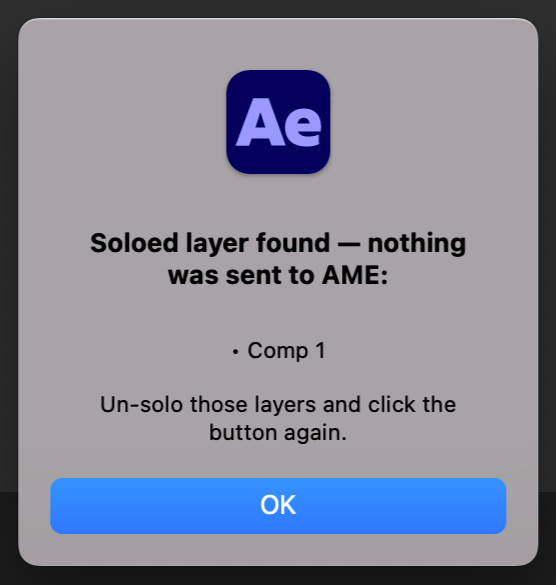
If a comp has a soloed layer: nothing is sent. A popup lists the affected comps, and the same list appears in the results box until the user fixes them. Once the solos are cleared, the user can click the button again to send the comps to AME.
Design Decisions
No auto-fix: The tool reports problems but never changes the solo states. Users check their own work, in case the solo is on purpose, only showing where to look.
Selection-based: It only acts on selected comps, so precomps don’t get queued by accident.
Queue only: The comps are added to AME’s queue without rendering, so users can still change settings and destination.
Minimal feedback: The user only sees which comps need attention, a success message, or a failure message.